
I Built a YouTube Knowledge Base Because I Kept Forgetting Everything I Watched
YouTube is the world's largest learning platform — but it's designed for entertainment, not retention. Here's how I built Skip to turn my video library into searchable knowledge.
Ravid Katmor
Skip Team
YouTube is great for learning but terrible for retention. Skip turns your YouTube videos into a searchable knowledge base with semantic search, AI chat, and MCP integration — so you never lose track of what you learned.
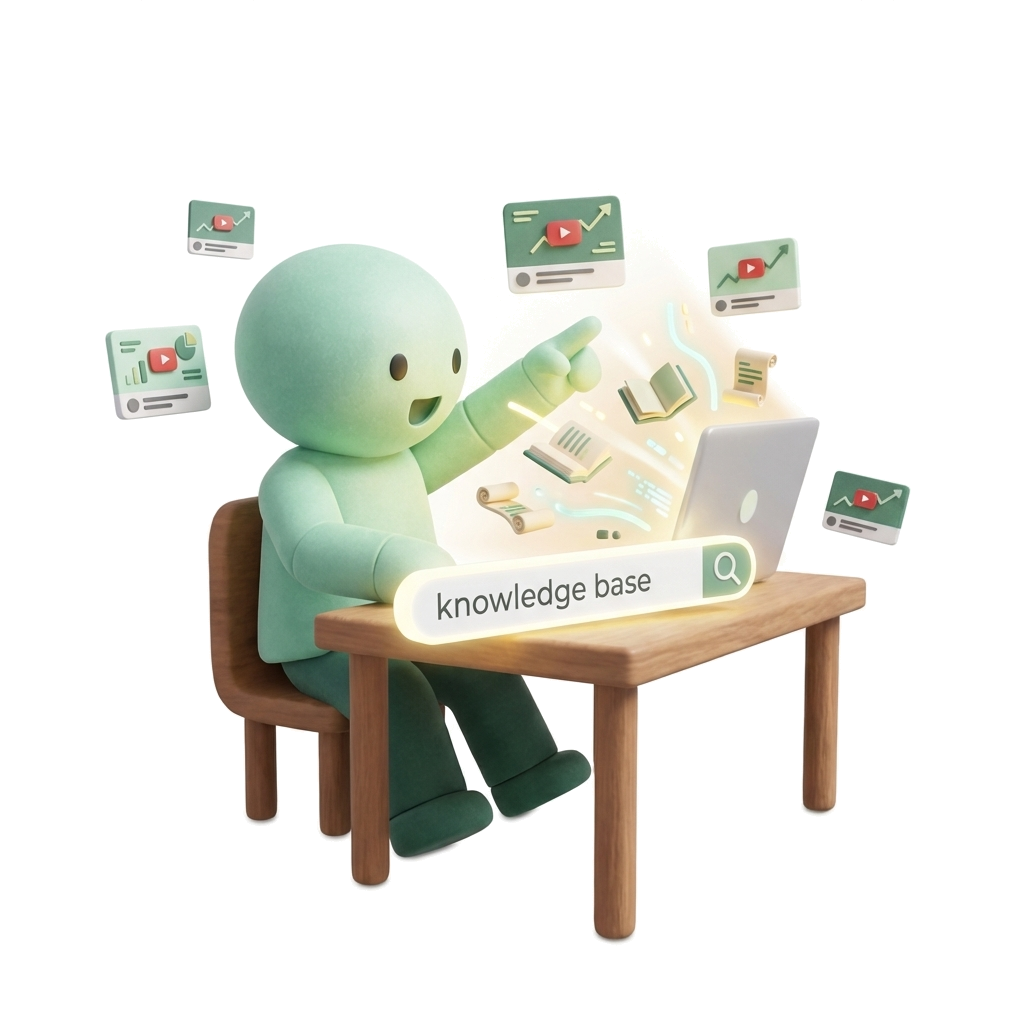
YouTube is the world's largest learning platform. Millions of hours of expert tutorials, conference talks, and deep dives — all free. But here's the problem: YouTube is designed for entertainment, not retention.
You watch a brilliant 45-minute system design video. Two weeks later, you need that exact information, and you can't remember which video it was, what the creator said, or even what to search for. The knowledge is gone.
I kept running into this. I'd watch 10+ hours of tutorials on a topic, take scattered notes, and still lose track of the insights buried across dozens of videos. YouTube search only finds new videos — it can't search within what you've already watched.
So I built Skip.
What Skip Does
Skip turns your YouTube videos into a searchable knowledge base. Save a video, and Skip extracts the full transcript, generates AI summaries, creates semantic embeddings, and makes everything searchable by meaning — not just keywords.
The key insight: search across your entire library at once. Not one video at a time. Your whole collection.
Here's how it works:
- Save videos — Chrome extension, paste a URL, or bulk-import an entire channel
- AI processes everything — transcripts, summaries, and semantic embeddings generated in ~90 seconds
- Search by meaning — ask "how does connection pooling work?" and find the answer even if the creator said "database connection reuse"
- Chat with your library — ask questions and get answers citing exact timestamps across all your videos
- Discover creators — describe what you want to learn, and AI finds expert YouTubers the algorithm misses
Why Not Just Use NotebookLM?
Fair question. NotebookLM is great for uploading a few documents and having a conversation. But:
- NotebookLM doesn't do YouTube at scale. You can add YouTube links one by one, but there's no concept of a growing video library, bulk imports, or channel imports.
- No semantic search. NotebookLM is a chat interface. Skip gives you both chat AND search, with results ranked by relevance.
- No creator discovery. Skip can find expert YouTubers you've never heard of based on what you want to learn.
- MCP integration. Skip has an MCP server — you can query your video knowledge base from Cursor, Claude Desktop, or any MCP-compatible tool. Your video knowledge, inside your coding workflow.
For a deeper comparison, see our Skip vs NotebookLM breakdown.
The Tech Stack

- Frontend: Next.js 14, Tailwind, deployed on Railway
- Backend: FastAPI (Python), Celery workers for async processing
- Database: Supabase (PostgreSQL + pgvector for embeddings)
- AI: OpenAI for embeddings and chat, with RAG (retrieval-augmented generation)
- Transcripts: youtube-transcript-api with fallback strategies
- Search: pgvector cosine similarity over 1536-dim embeddings
For a deep dive into the architecture, check out our technical walkthrough.
Real Example
I imported 30 videos from a Kubernetes tutorial channel. Later, I asked Skip: "How do I set resource limits for a pod?"
Skip found the relevant 2-minute segment across a 3-hour playlist, cited the exact timestamp (1:23:45), and gave me a concise answer with a direct link to that moment. No rewatching. No scrubbing.
Try It
Skip is live at getskip.dev. Free tier: 50 videos/month, 100 messages, full search and chat.
Pro ($10/mo) gets you 500 videos, 2000 messages, MCP integration, and API access.
If you've ever lost track of something you learned on YouTube, Skip was built for you.

Try this yourself
Import a YouTube video into Skip and search it by meaning — not just keywords. Free, no credit card required.
Frequently Asked Questions
How do I search inside YouTube videos I've already watched?
Use a video knowledge base like Skip. Import any YouTube video, and it extracts the transcript, generates semantic embeddings, and lets you search by meaning — not just keywords. You can search across your entire video library at once to find the exact segment you need.
What is the best alternative to YouTube bookmarks for learning?
YouTube bookmarks and Watch Later playlists don't help you find what was said inside a video. Skip turns your saved videos into a searchable knowledge base with AI chat, semantic search, and exact timestamp citations — so you can actually retrieve what you learned.
Can I build a personal knowledge base from YouTube videos?
Yes. Skip lets you import YouTube videos (individually, by playlist, or entire channels), extracts transcripts, and creates a searchable knowledge base. You can search by concept, chat with your library, and get answers with timestamp citations across all your videos.
How is Skip different from NotebookLM for YouTube?
NotebookLM is great for document-level conversations but doesn't support growing video libraries, bulk imports, or semantic search across hundreds of videos. Skip is purpose-built for video knowledge: it handles channel imports, creator discovery, MCP integration, and library-wide search.
Related Articles
How I Built a YouTube Knowledge Base with AI
The architecture behind Skip: pgvector, semantic chunking, and RAG over video transcripts. A technical walkthrough of turning YouTube into a searchable knowledge base.
ProductSkip vs NotebookLM: Which Is Better for Video Learning in 2026?
Both tools turn video into searchable knowledge, but they solve different problems. Here's an honest comparison to help you pick the right one — or use both.
ProductWhat is Skip? The Video Knowledge Platform for Learners
Skip is a platform that turns YouTube, Loom, and Fathom videos into a searchable knowledge base. Instead of rewatching hours of content, you can search, chat, and extract insights instantly.
Ready to try Skip?
Turn your YouTube videos into a searchable knowledge base. Start free, no credit card required.